Appearance
Troubleshooting
Troubleshooting for Gentoo Clients
Boot into the IPXE menu
If you can login to the computer
- Launch a terminal window and become root
- Use
cdto enter to the computers root directory ./reboot_to_ipxe.shwill automatically reboot the computer
Otherwise boot computer from LIVE USB
- Check your computer’s manual to open boot menu
- Select the USB from the computers boot menu
If successful, you will be greated with the following screen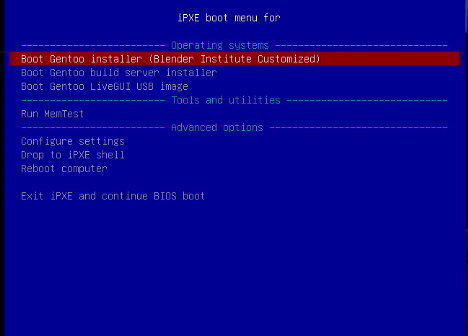
Run MEM Test
- Boot into IPXE
- Select “Run MemTest”
Chrooting into the root drive (for recovery)
- Boot into IPXE
- Select Gentoo Installer (Blender Institute Customized)
- Wait for Gentoo Installer to boot
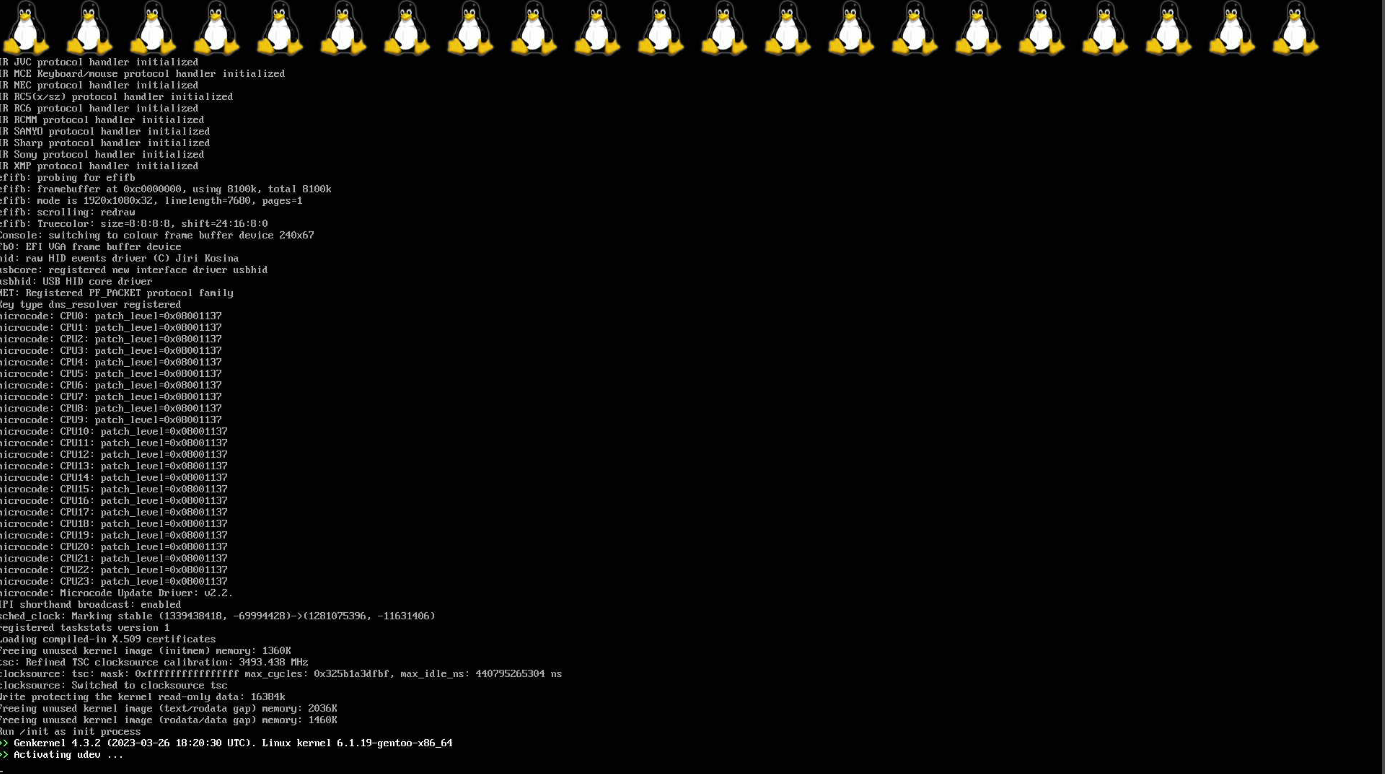
- Use CTR+C to cancel Installer

- Run
./manual_chroot.sh - Select number corrisponding to the Drive labeled
rootfs
Recovery/Inspection of Linux Kernel
Ensure the mount the boot drive is mounted
mount /bootGo into the kernel source dir
cd /usr/src/linuxUse
make menuconfigto enter linux kernel configurationNow you can review/change the kernel configuration options! For example you can inspect the NVME Drive configuration and compare it to the configuration found in the Gentoo documentation https://wiki.gentoo.org/wiki/NVMe#Kernel
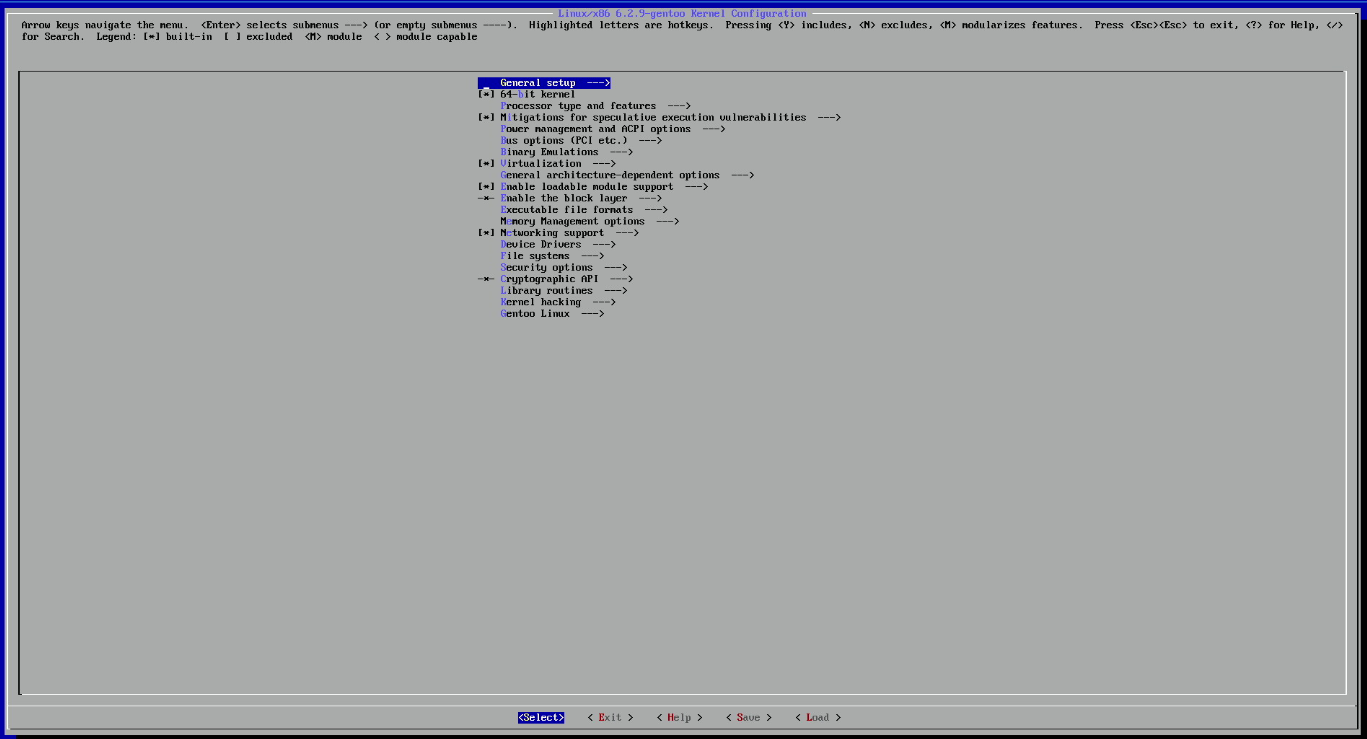
On exit, if your kernel config is not saved you will be prompted to save
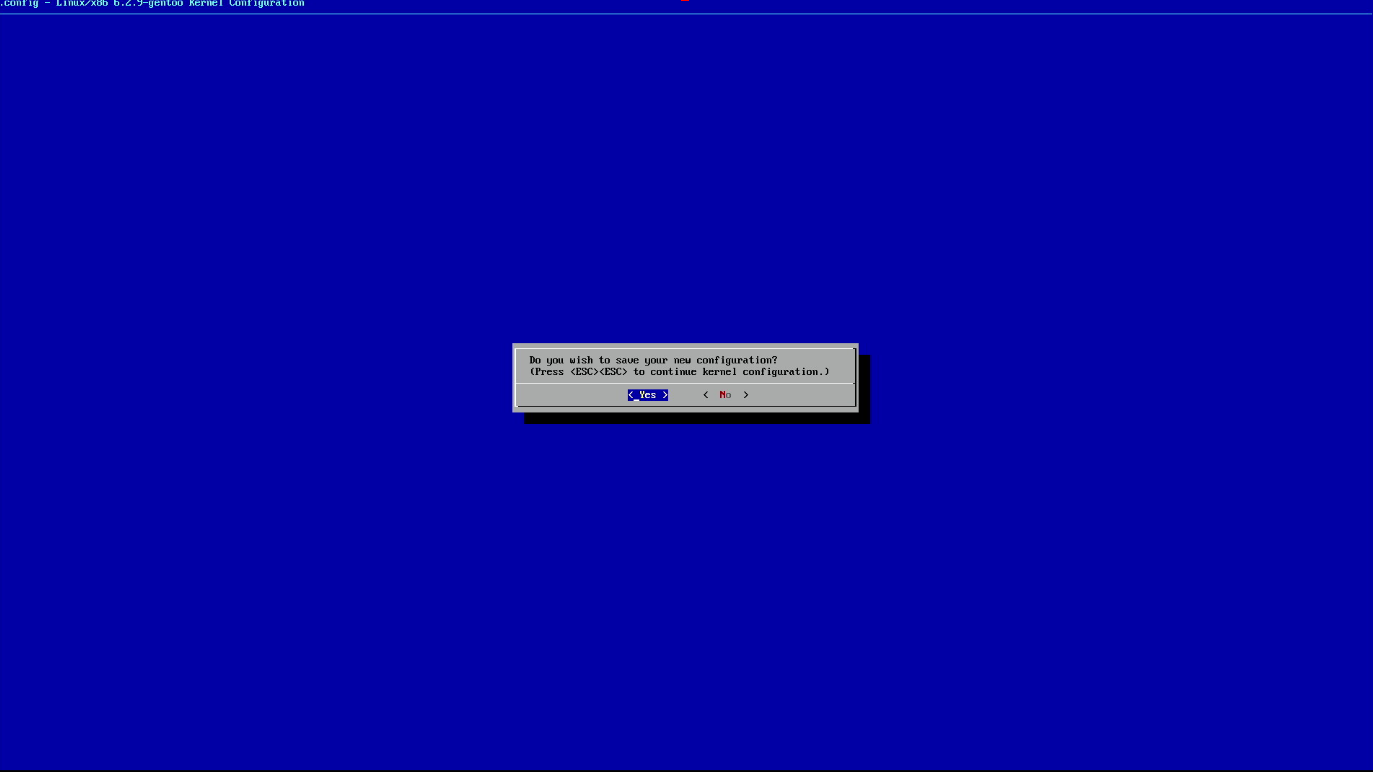
Configuration successfully saved

Build New Kernel:
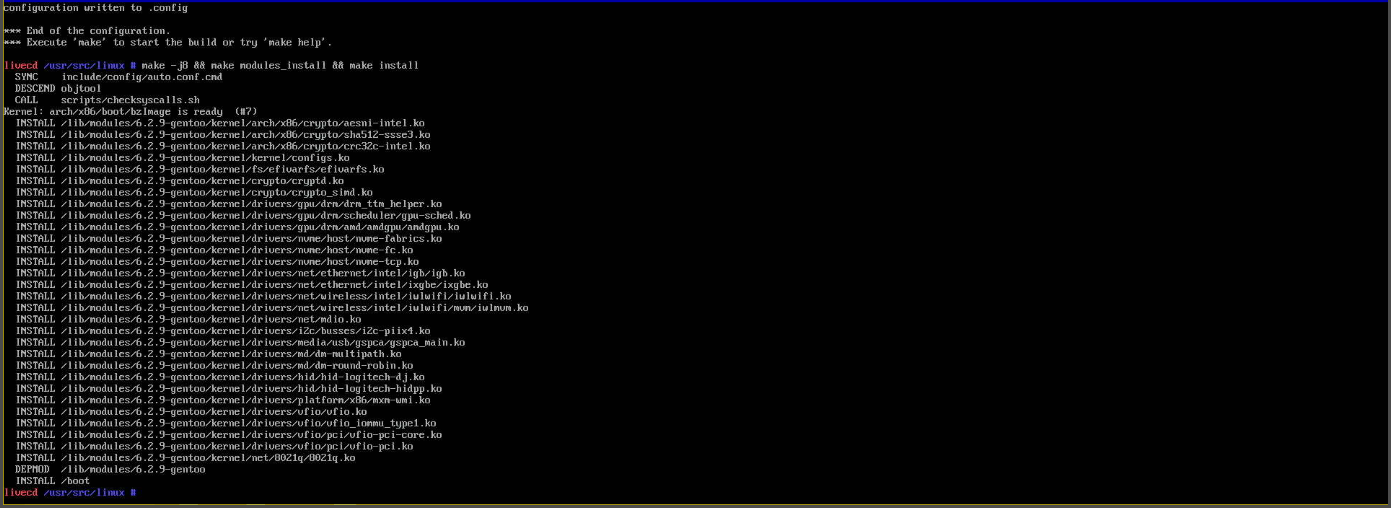
make -j8 && make modules_install && make install